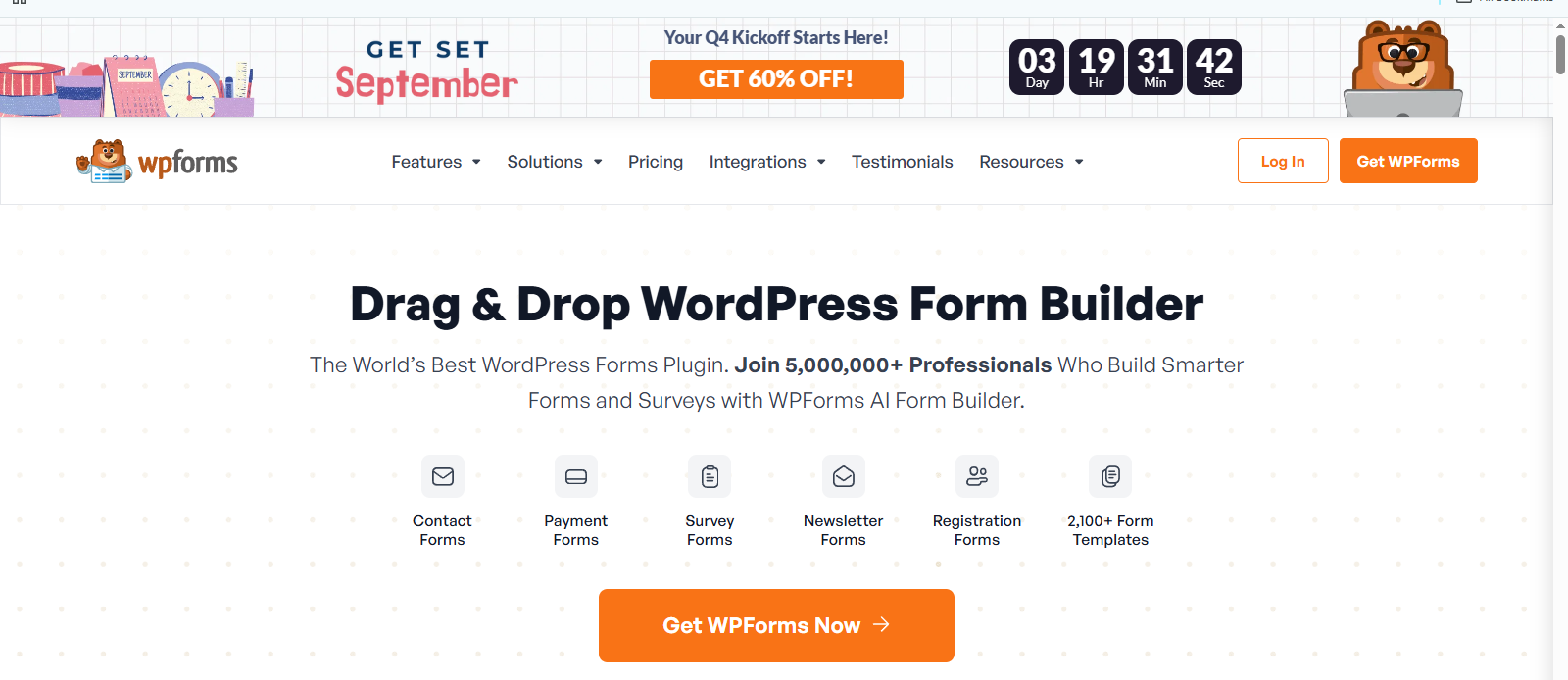
Exclusive WPForms Deal — Get 60% OFF Premium Features and Build Professional WordPress Forms for Less Today!
WPForms vs Gravity Forms is an important comparison for WordPress users looking for the right form plugin. Whether you need a simple contact form, lead-generation form, survey, payment form, registration form, or a more advanced workflow, the right plugin can make form creation much easier.
Two popular options are WPForms and Gravity Forms.
Both plugins offer drag-and-drop form builders, conditional logic, integrations, payment options, and advanced features. However, they are designed with slightly different types of WordPress users in mind.
WPForms focuses strongly on ease of use, templates, and a beginner-friendly experience, while Gravity Forms is well known for advanced forms, integrations, customization, and developer-friendly features.
So, which one should you choose?
In this WPForms vs Gravity Forms comparison, we will compare their features, pricing, ease of use, templates, conditional logic, integrations, payment options, entry management, advanced features, pros and cons, and overall value.
WPForms vs Gravity Forms: Quick Comparison
| Feature | WPForms | Gravity Forms |
|---|---|---|
| Drag-and-drop Builder | Yes | Yes |
| Free Version | Yes | No |
| Form Templates | Yes | Yes |
| Conditional Logic | Yes | Yes |
| Multi-page Forms | Yes | Yes |
| File Uploads | Yes | Yes |
| Payment Forms | Yes, depending on plan/integration | Yes, depending on license/add-on |
| Surveys & Polls | Available with appropriate feature/add-on | Available with appropriate license/add-on |
| User Registration | Available | Available |
| CRM Integrations | Yes | Yes |
| Zapier Integration | Yes | Yes |
| Developer Customization | Good | Excellent |
| Beginner Friendly | Excellent | Very Good |
| Advanced Workflows | Excellent | Excellent |
| Best For | Beginners, businesses & marketers | Advanced users, businesses & developers |
The important point is that neither plugin is simply “better” for every website. Your choice should depend on the type of forms you need and how much customization you require.
What Is WPForms?
WPForms is a WordPress form builder designed to make creating online forms easier without requiring coding knowledge.
Its drag-and-drop builder allows users to add fields, rearrange them, and create forms directly inside WordPress.
WPForms supports different types of forms, including contact forms, surveys, donation forms, order forms, file-upload forms, registration forms, and more. Its feature set also includes conditional logic, multi-page forms, conversational forms, form analytics, entry management, and integrations with various services.
One of WPForms’ biggest advantages is its focus on simplicity.
A beginner can start with a template, change the fields, configure notifications, and publish the form without needing to understand complicated code.
Who Should Use WPForms?
WPForms can be a good choice for:
- Beginners
- Bloggers
- Small businesses
- Freelancers
- Agencies
- Online stores
- Lead-generation websites
- Service businesses
- Website owners who want a simple form-building experience
If your main priority is creating professional forms quickly, WPForms is worth considering.
What Is Gravity Forms?
Gravity Forms is a WordPress form plugin designed for creating both simple and complex forms.
It includes a drag-and-drop form builder and supports more than 30 field types. Gravity Forms also offers conditional logic, multi-page forms, file uploads, save-and-continue functionality, email routing, entry export, user registration, post creation, payments, and many integrations.
Gravity Forms is particularly useful when a website needs forms that do more than simply collect contact information.
For example, businesses can use it for:
- Job applications
- Registration forms
- Surveys
- Order forms
- Payment forms
- Customer applications
- User registration
- Content submission
- Advanced data collection
- Custom workflows
Gravity Forms also provides an API and hundreds of hooks and filters, making it attractive to developers who need deeper customization.
WPForms vs Gravity Forms: Ease of Use
Ease of use is one of the biggest differences between the two plugins.
WPForms
WPForms is designed to be beginner-friendly.
Its drag-and-drop interface allows you to:
- Create a new form.
- Select a template or start from scratch.
- Add fields.
- Rearrange fields.
- Configure notifications.
- Set confirmations.
- Add conditional logic when required.
- Publish the form.
WPForms also provides a setup wizard to guide users through important configuration steps after installation.
Winner for beginners: WPForms
If you have never created a WordPress form before, WPForms is likely to feel easier.
Gravity Forms
Gravity Forms also provides a drag-and-drop builder, but it is designed to handle more complex form requirements.
You can build advanced forms with conditional logic, multiple pages, file uploads, email routing, calculations, payments, and integrations.
The additional options can be very useful, but beginners may need more time to understand the available settings.
Winner for advanced forms: Gravity Forms
Gravity Forms is a strong option when your forms require more complex workflows.
WPForms vs Gravity Forms: Templates
Templates can save a lot of time.
Instead of creating every form field manually, you can start with a pre-built template and customize it.
WPForms promotes a large template library and currently advertises more than 2,100 form templates.
These templates can help users create forms for different purposes without starting from a blank screen.
Gravity Forms also provides a template library that can be customized according to your requirements.
Winner: WPForms
For users who want a large selection of ready-made starting points, WPForms has an advantage.
WPForms vs Gravity Forms: Conditional Logic
Conditional logic makes forms more intelligent.
For example, imagine a form asking:
What type of website do you have?
If the visitor selects Online Store, additional questions about products, payments, or eCommerce requirements can appear.
If the visitor selects Blog, those questions can remain hidden.
WPForms supports conditional logic for showing or hiding fields and creating different confirmations and notifications based on user responses.
Gravity Forms also provides conditional logic for fields, sections, pages, notifications, and other form functionality.
Winner: Tie
Both are strong choices for conditional logic.
WPForms vs Gravity Forms: Payment Forms
Payment functionality is useful for businesses, donations, registrations, subscriptions, and simple product sales.
WPForms supports payment-related functionality through integrations such as Stripe and other payment providers, with features depending on the license and integration being used. Its Stripe integration supports options such as recurring payments and mobile wallets.
Gravity Forms also supports payment integrations, including Stripe, PayPal, Square, Mollie, and others through its add-on ecosystem.
Winner: Tie
Both can handle payment forms, but you should check the exact license and payment integration before purchasing.
WPForms vs Gravity Forms: Integrations
Integrations become important when you want form submissions to automatically move into another service.
For example, a business may want to send leads to:
- CRM software
- Email marketing software
- Google Sheets
- Slack
- Zapier
- Payment platforms
- Customer-support tools
WPForms supports integrations with services including Salesforce, HubSpot, Google Sheets, Google Drive, Slack, Mailchimp, Stripe, PayPal, and others.
Gravity Forms also supports integrations such as Stripe, Salesforce, Mailchimp, PayPal, Zapier, Slack, Dropbox, HubSpot, and more.
Gravity Forms also offers Webhooks and REST API functionality for custom integrations.
Winner for developers: Gravity Forms
Winner for simple setup: WPForms
The better option depends on whether you prioritize simplicity or deeper customization.
WPForms vs Gravity Forms: Entry Management
Form entries are important because collecting information is only useful if you can manage that information afterward.
WPForms provides an entry-management system where users can view, search, filter, edit, export, and manage submissions from the WordPress dashboard when using the appropriate paid functionality.
WPForms Lite has a specific limitation that should not be ignored: form entries are not stored in the normal WordPress dashboard entry system without paid functionality. WPForms provides Lite Connect as an optional backup mechanism for Lite submissions, and those backups have a one-year retention period.
Gravity Forms stores submitted entries in the WordPress database and provides an Entries screen where administrators can view, filter, manage, and export submissions.
Winner: Tie
Both provide strong entry-management features, but WPForms users should pay particular attention to the difference between Lite and paid entry storage.
WPForms vs Gravity Forms: Pricing
Pricing is one area where comparison articles often become confusing because plugins can change their prices, discounts, and included features.
Therefore, it is better to compare the current official pricing rather than using an old review.
WPForms Pricing

At the time of checking in September 2026, WPForms lists four main plans:
With 60% Off
- Basic: normally $39/year
- Plus: normally $79/year
- Pro: normally $159/year
- Elite: normally $239/year
The official pricing page was also showing promotional prices at the time of checking, so the sale price should not be treated as the permanent regular price.
WPForms also has a free Lite version.
The exact features and integrations available depend on the plan.
Gravity Forms Pricing

Gravity Forms currently lists:
- Basic: $59/year
- Pro: $159/year
- Elite: $259/year
The Basic license supports one site, Pro supports three sites, and Elite supports unlimited sites.
Gravity Forms includes different add-ons at different license levels. For example, its Pro license includes integrations such as Stripe, Dropbox, Square, Zapier, Slack, and Trello, while Elite includes additional advanced functionality.
WPForms vs Gravity Forms: Pros and Cons
WPForms Pros
- Beginner-friendly interface
- Drag-and-drop builder
- Large template library
- Strong conditional logic
- Good entry-management tools
- Many integrations
- Free Lite version
- Good choice for small businesses and bloggers
- Advanced features available on paid plans
WPForms Cons
- Important advanced features require paid plans
- Pricing can be higher depending on the plan
- Free and paid versions have different entry-management capabilities
- Some integrations are restricted to higher plans
Gravity Forms Pros
- Powerful form builder
- Strong conditional logic
- More than 30 field types
- Excellent developer flexibility
- Strong API and hooks
- Extensive add-on ecosystem
- Good payment and CRM integrations
- Useful for complex forms and workflows
Gravity Forms Cons
- No permanent free version
- Advanced features can require higher license levels
- Beginners may find the large feature set more complicated
- Some integrations require specific licenses or add-ons
WPForms vs Gravity: Which One Is Easier?
If your main goal is simplicity, WPForms is the easier choice.
Its interface, templates, setup wizard, and beginner-focused design make it easier to create a form without technical knowledge.
Gravity Forms is also user-friendly, but it offers many advanced options that become more valuable as your form requirements become more complicated.
Best for beginners: WPForms
WPForms vs Gravity Forms: Which One Is Better for Advanced Users?
For advanced users and developers, Gravity Forms has a strong advantage.
Its extensive hooks, API, add-ons, conditional logic, and custom-development capabilities make it suitable for websites that need customized workflows.
However, advanced WPForms users also get features such as user registration, post submissions, conversational forms, signatures, surveys, geolocation, and other advanced functionality.
Best for advanced customization: Gravity Forms
WPForms vs Gravity Forms: Which One Should You Choose?
The answer depends on your website.
Choose WPForms if:
- You are new to WordPress.
- You want a simple drag-and-drop builder.
- You want many ready-made templates.
- You need contact and lead forms.
- You prefer an easy setup process.
- You want a free version to start.
- You want to build forms without coding.
Choose Gravity Forms if:
- You need complex forms.
- You are a developer or experienced WordPress user.
- You need advanced integrations.
- You want extensive customization.
- You need sophisticated workflows.
- You want strong API and developer tools.
- You plan to use advanced add-ons.
WPForms vs Gravity Forms: Final Verdict
So, WPForms vs Gravity Forms — which is better?
There is no single winner for every WordPress website.
WPForms is the better choice for beginners, bloggers, small businesses, and users who want to create professional forms quickly and easily.
Gravity Forms is the better choice for advanced users, developers, agencies, and businesses that need complex forms, integrations, and customized workflows.
If you are creating a basic contact form, lead form, newsletter form, or simple business form, WPForms is likely to provide the smoother experience.
If you are building advanced registration systems, complex applications, customized workflows, or developer-focused integrations, Gravity Forms deserves serious consideration.
Was this article useful for you? Let us know your thoughts in the comment box below!